

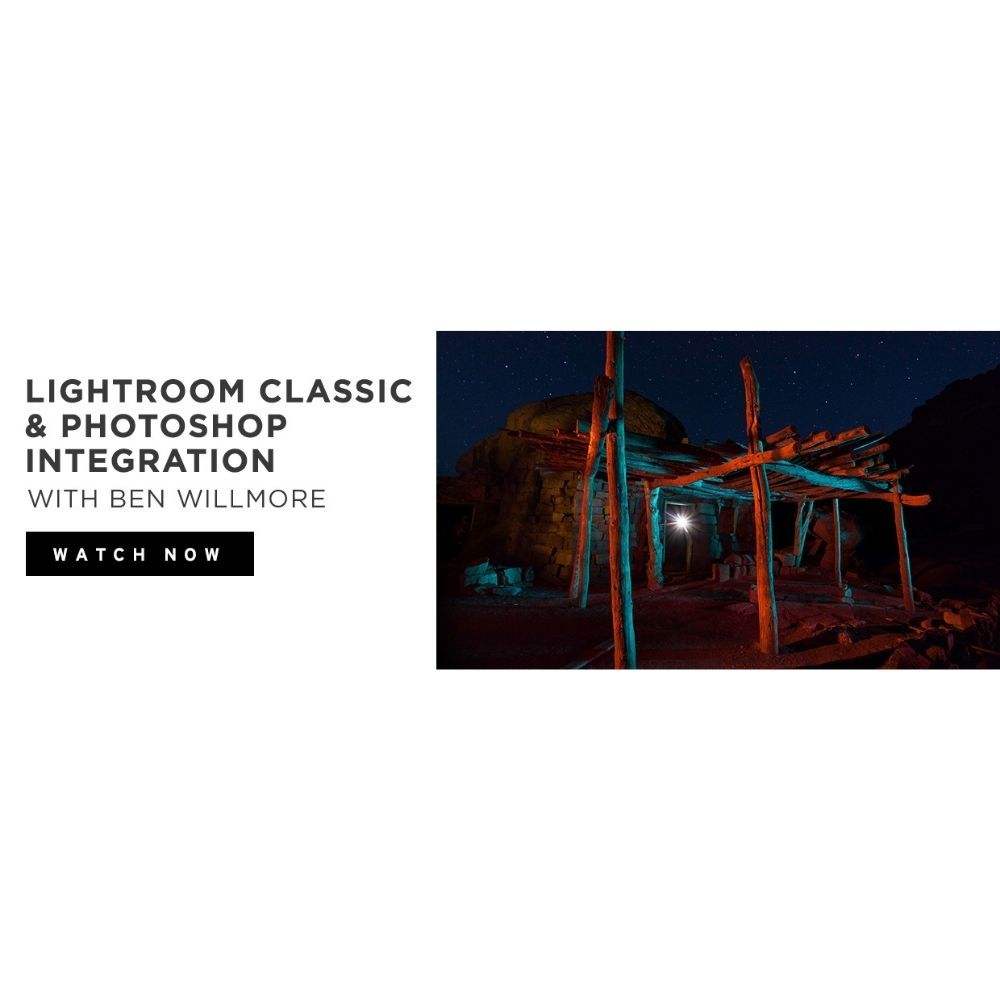
This course teaches advanced techniques for integrating Adobe Lightroom and Photoshop, enhancing your image editing workflow. Designed for users already familiar with both software, it focuses on seamless collaboration and effective round-tripping of images.
Master Advanced Editing Techniques
- round-trip image editing: Learn how to efficiently round-trip images between Lightroom and Photoshop using options like ‘Edit a Copy with Lightroom Adjustments’ and ‘Edit Original’ for optimal results.
- advanced masking techniques: Discover how to apply complex masking techniques in Photoshop and transfer those results back to Lightroom, enabling you to preview edits across your entire catalog.
- automating layouts in Photoshop: Explore how to automate intricate layouts in Photoshop directly from Lightroom, streamlining your workflow and saving valuable time during the editing process.
- managing missing files: Understand how to work on images even when original files are missing, ensuring that your editing process remains uninterrupted and efficient.
This course is ideal for photographers looking to enhance their editing skills and streamline their workflow by mastering the integration of Lightroom and Photoshop.
Who This Course Is For
- Photographers seeking to improve their editing efficiency by mastering the integration of Lightroom and Photoshop.
- Experienced users of Lightroom and Photoshop who want to learn advanced techniques for seamless collaboration between the two applications.
- Creative professionals looking to automate their workflow and enhance their image editing capabilities through practical projects.
File Details
Product page
Total Size: 1.3GB
How to Get Your Files:
– Enter your email address in the "Message" field at checkout.
– Your Google Drive access link will be emailed immediately after payment confirmation.
– Enjoy Lifetime Access to stream or download your files.
Important Notice:
By placing an order, buyers agree to abide by our standard Terms & Conditions.



Reviews
There are no reviews yet.