

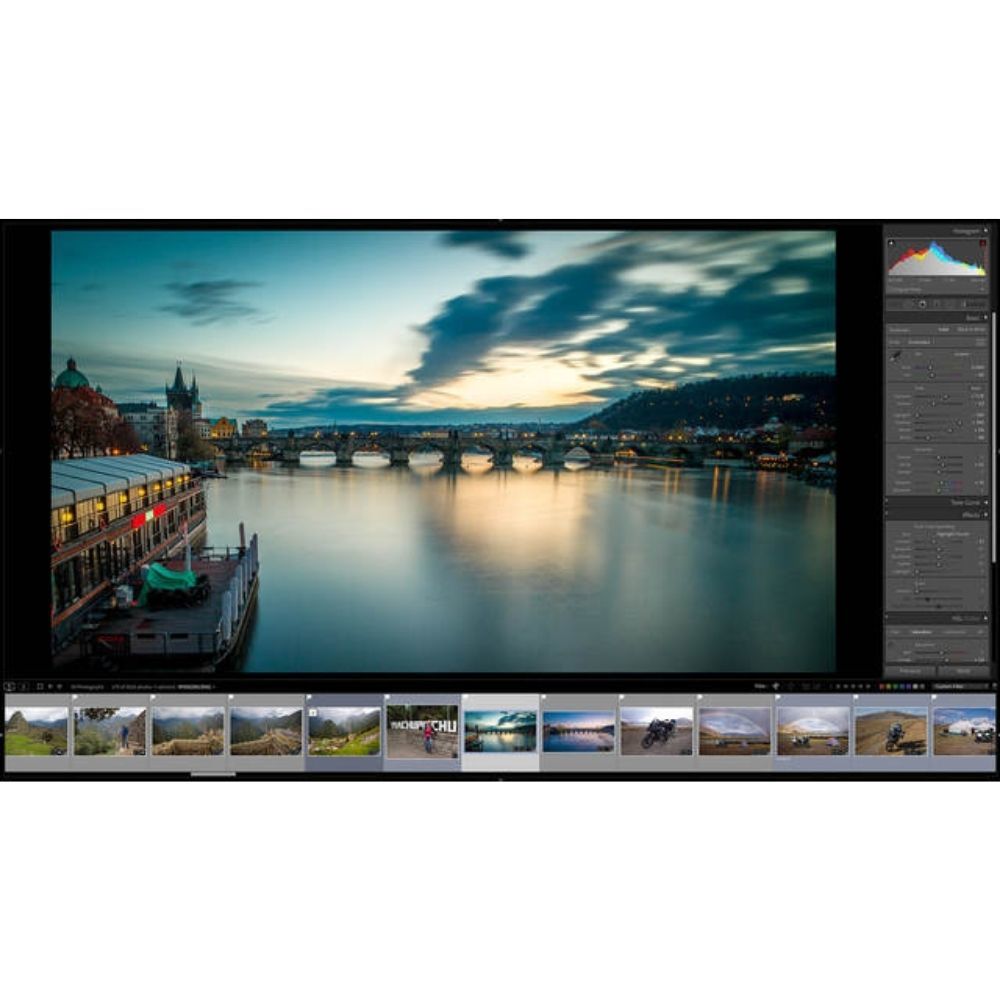
This course teaches photographers how to effectively use Adobe Lightroom Classic, catering to both beginners and intermediate users. Mark Wallace guides you through the essential features and tools that will enhance your photo editing and organization skills.
Master Essential Lightroom Skills
- catalog system management: Learn how to navigate the catalog system for organizing your files efficiently, ensuring easy access and retrieval of your images.
- global and local adjustments: Discover how to make precise edits using global and local adjustments in the Develop module, enhancing your images with professional-quality edits.
- custom presets creation: Create and utilize custom presets to streamline your editing process, allowing for consistent results across multiple images with minimal effort.
- image presentation online: Master the Web module to present your work online effectively, creating stunning galleries that showcase your photography to a wider audience.
This course is designed for photographers who want to enhance their skills in Lightroom Classic, providing them with the tools to organize, edit, and present their work professionally.
Who This Course Is For
- Beginner photographers looking to build a solid foundation in photo editing and organization using Lightroom Classic.
- Intermediate photographers seeking to refine their editing techniques and learn advanced features of Lightroom Classic.
- Creative professionals wanting to streamline their workflow and enhance their online presentation of photography.
File Details
Product page
Total Size: 6.3GB
How to Get Your Files:
– Enter your email address in the "Message" field at checkout.
– Your Google Drive access link will be emailed immediately after payment confirmation.
– Enjoy Lifetime Access to stream or download your files.
Important Notice:
By placing an order, buyers agree to abide by our standard Terms & Conditions.




Reviews
There are no reviews yet.