
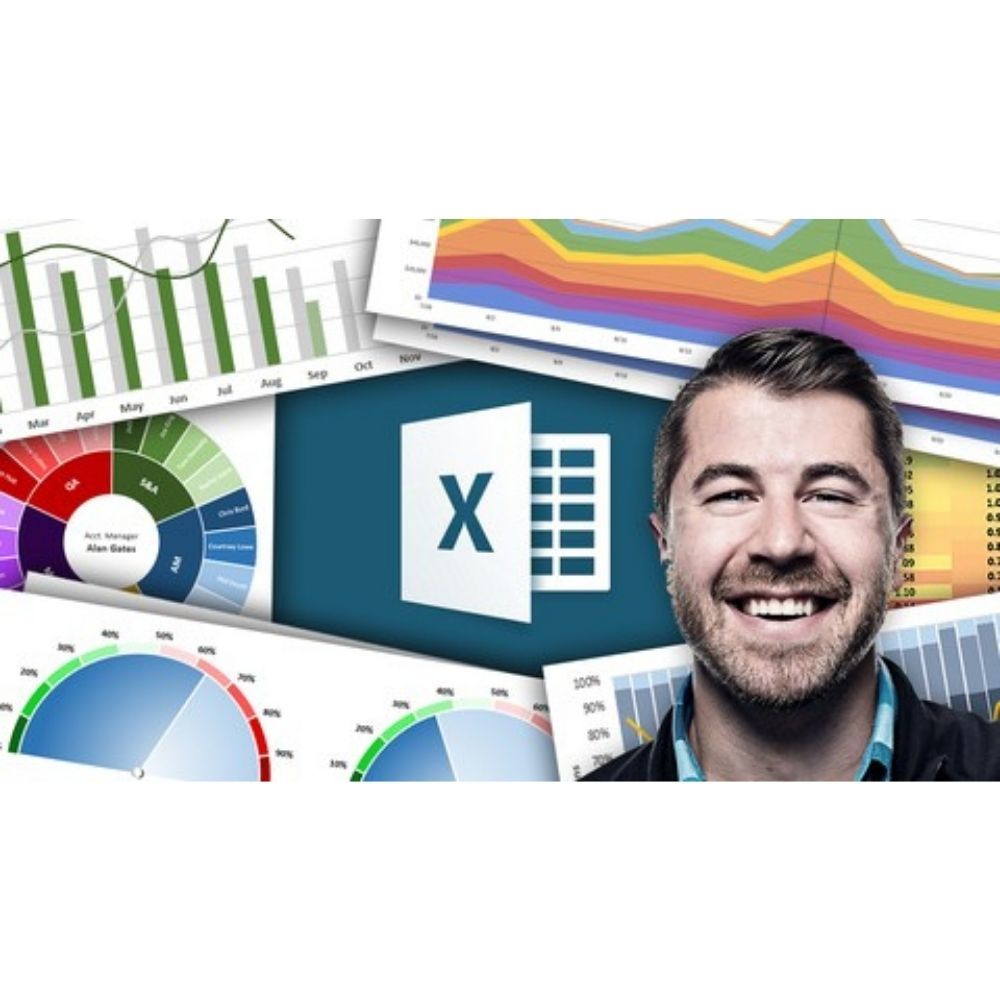
This course teaches you how to effectively utilize over 20 chart types in Excel 2016 and later. You will learn to apply various visualization techniques to enhance your data presentation skills and master advanced tools for creating impactful dashboards.
Enhance Your Data Presentation Skills
- automated dashboards: Discover how to create automated dashboards that update in real-time, allowing for efficient data monitoring and presentation without manual intervention, streamlining your workflow.
- advanced Excel charts: Master a variety of advanced chart types, including box and whisker, tree maps, and waterfall charts, to convey complex data insights clearly and effectively, making your presentations more impactful.
- dynamic formats: Learn to implement dynamic formatting techniques that adjust visual elements based on data changes, enhancing the interactivity and responsiveness of your charts, which captivates your audience.
- interactive data visualization: Engage with hands-on projects that focus on interactive data visualization, ensuring you gain practical experience with Excel’s powerful capabilities, preparing you for real-world applications.
By completing this course, you will elevate your data visualization skills to a professional level, enabling you to present data insights effectively and confidently.
Who This Course Is For
- Data analysts seeking to improve their data visualization techniques using Excel.
- Business professionals who need to present data insights clearly to stakeholders.
- Students and educators looking to enhance their Excel skills for academic or professional projects.
File Details
Product page
Total Size: 2.6GB
How to Get Your Files:
– Enter your email address in the "Message" field at checkout.
– Your Google Drive access link will be emailed immediately after payment confirmation.
– Enjoy Lifetime Access to stream or download your files.
Important Notice:
By placing an order, buyers agree to abide by our standard Terms & Conditions.




Reviews
There are no reviews yet.