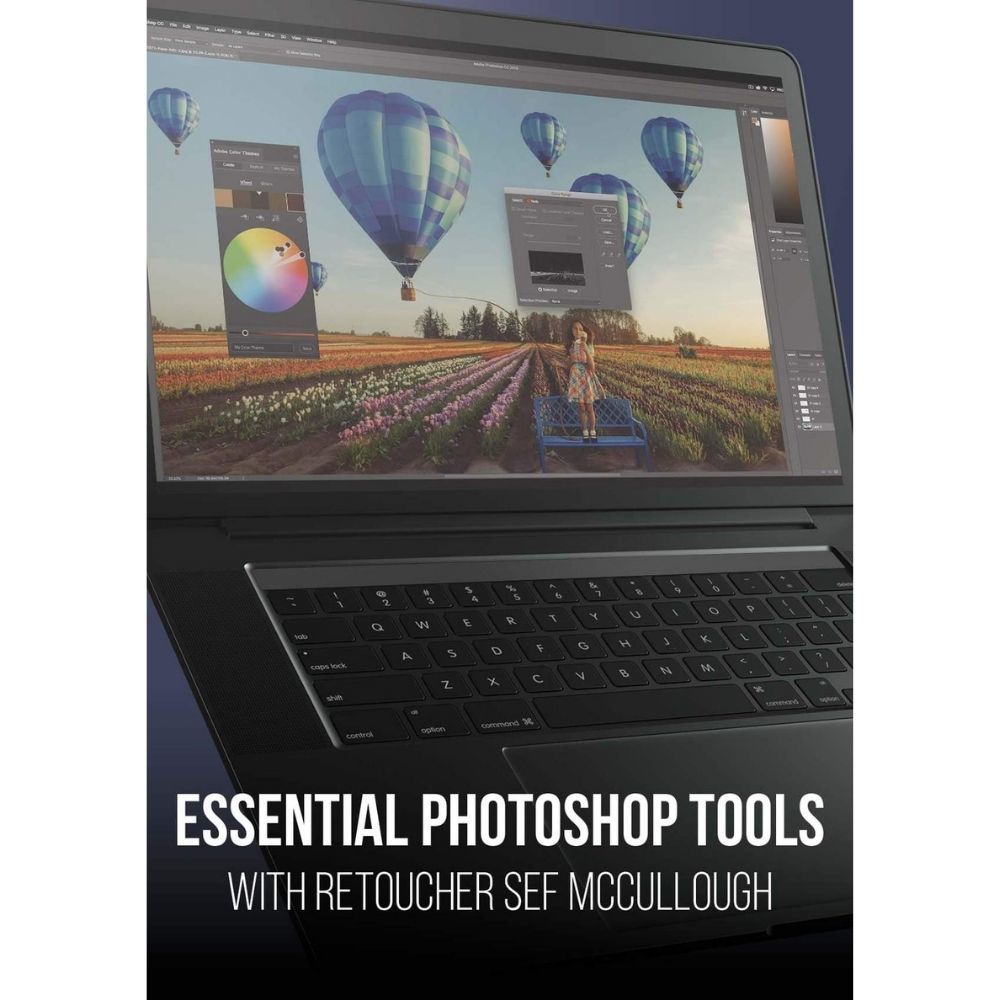
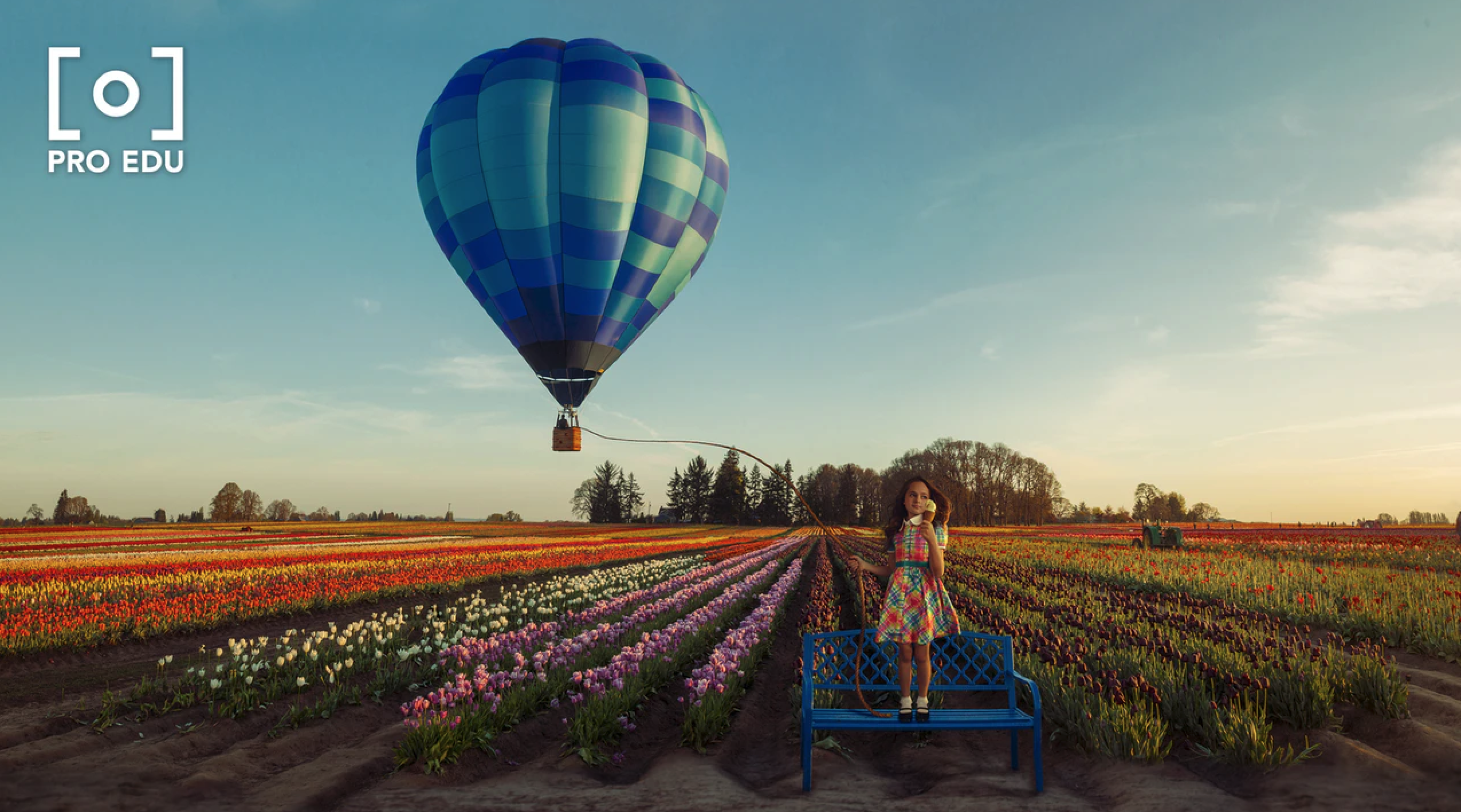

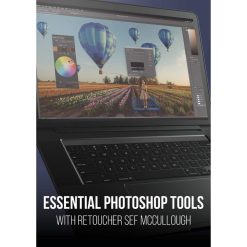
This course teaches you to master the Photoshop Workspace and utilize nearly every tool within Adobe Photoshop, enhancing your skills as a photographer or retoucher. Sef McCullough, a high-end commercial retoucher, guides you through essential tools and techniques.
Maximize Your Photoshop Skills
- Photoshop workspace layout: Understand the organization of the Photoshop interface, allowing for efficient navigation and tool access, which is crucial for any retouching project.
- Destructive vs non-destructive editing: Learn the differences between these workflows to make informed decisions that preserve your original images while enhancing your editing capabilities.
- Photoshop tool application: Discover practical tips on when to use specific tools, ensuring you apply the right techniques for optimal results in your retouching work.
- Photoshop shortcuts for efficiency: Master keyboard shortcuts that streamline your workflow, allowing you to focus more on creativity and less on navigating menus.
This course is ideal for photographers and retouchers looking to elevate their skills and gain confidence in using Adobe Photoshop effectively.
Who This Course Is For
- Photographers seeking to enhance their editing skills and utilize Photoshop tools more effectively in their workflow.
- Retouchers who want to deepen their understanding of Photoshop techniques and improve their retouching projects.
- Creative professionals looking to streamline their editing process and learn best practices for tool application in Photoshop.
File Details
Product page
Total Size: 1.4GB
How to Get Your Files:
– Enter your email address in the "Message" field at checkout.
– Your Google Drive access link will be emailed immediately after payment confirmation.
– Enjoy Lifetime Access to stream or download your files.
Important Notice:
By placing an order, buyers agree to abide by our standard Terms & Conditions.



Reviews
There are no reviews yet.