


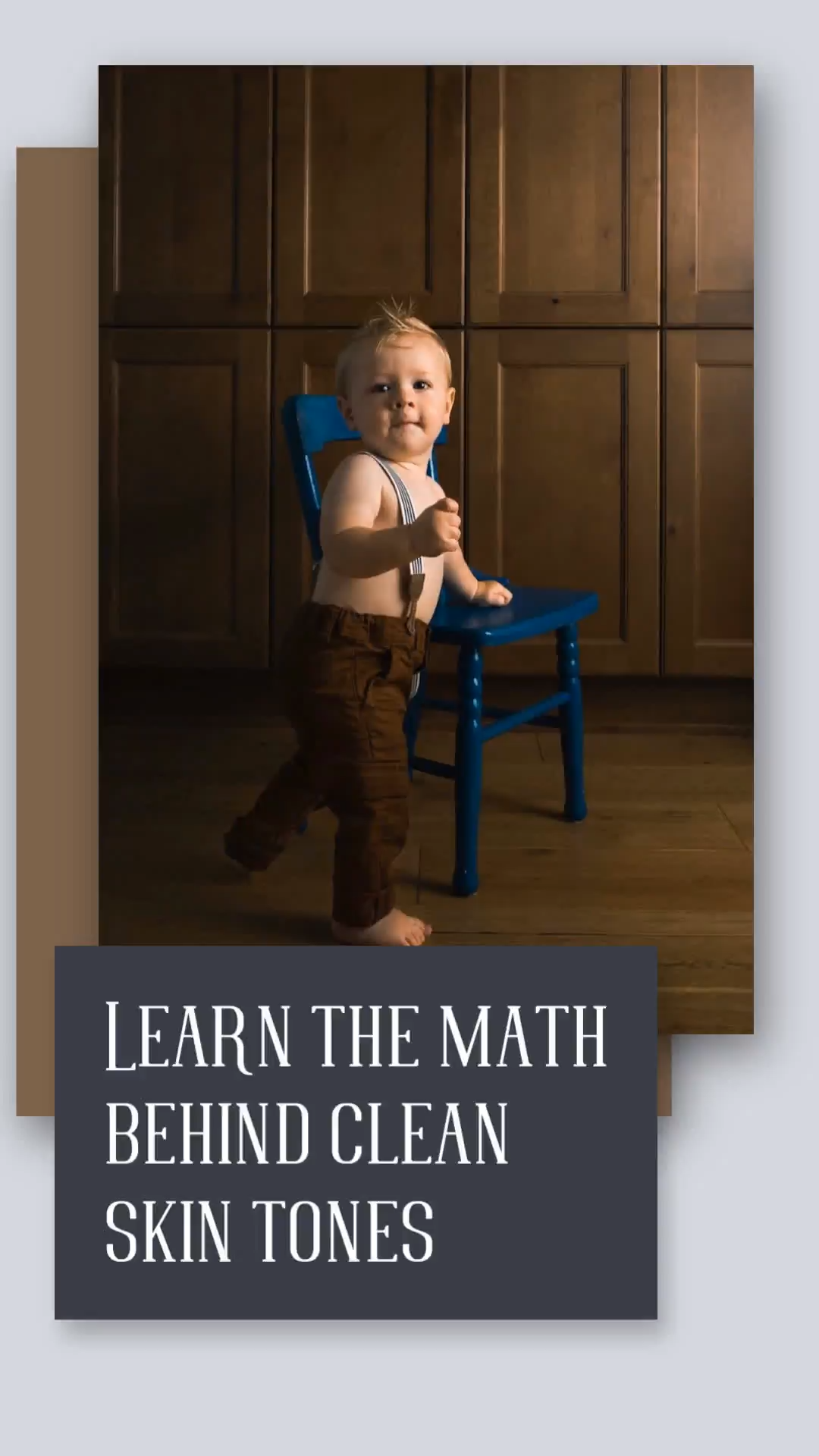
This course teaches photographers essential techniques to master skin tones during the editing process, addressing common concerns and providing practical solutions. Participants will learn how to achieve clean and beautiful skin tones with confidence, enhancing their overall editing skills.
Enhance Your Editing Skills
- skin tone calibration: Understand the importance of calibrating your camera and monitor to ensure accurate skin tone representation in your images, leading to stunning results.
- Lightroom editing workflow: Discover Laura’s step-by-step editing workflow in Lightroom, including the correct order of adjustments for optimal skin tone results that elevate your photography.
- Photoshop creative techniques: Learn how to add creative touches in Photoshop that enhance skin tones while maintaining a natural look, ensuring your photographs stand out.
- troubleshooting color casts: Gain insights into managing multiple skin tones in a single image and effectively troubleshooting any unwanted color casts that may arise during editing.
By the end of this course, photographers will possess the skills and knowledge to confidently edit skin tones, ensuring their images reflect the beauty and diversity of their subjects.
Who This Course Is For
- Photographers looking to improve their editing skills specifically related to skin tones and color accuracy.
- Individuals interested in mastering the technical aspects of photo editing using Lightroom and Photoshop.
- Creative professionals who want to enhance their portfolio with beautifully edited images that showcase diverse skin tones.
File Details
Total Size: 465MB
How to Get Your Files:
– Enter your email address in the "Message" field at checkout.
– Your Google Drive access link will be emailed immediately after payment confirmation.
– Enjoy Lifetime Access to stream or download your files.
Important Notice:
By placing an order, buyers agree to abide by our standard Terms & Conditions.




Reviews
There are no reviews yet.